CS418
MP1: Dancing Logo
For your first Machine Problem, you will create a 2-D animation of the majestic and inspiring University of Illinois logo (as shown above). You will also create a short 2-D animation of your choice…more details below….
To complete the MP, you will need to create a digital model of the logo, write code to render it, and write code to animate it.
Results
DEMO

Goals
Modeling
You will need to model the logo with a 2-D mesh of triangles. One approach to creating the mesh would be to get some graph paper, draw the logo and figure out a set of coordinates for the vertices and a set of edges for the triangles that works. You do not need to make the blue line around orange I curve as in the logo…just create a straight-line block I modelOnce you have the coordinates and triangles, just write up a set of JavaScript arrays in your code containing those numbers.
Rendering
You should color the logo orange and blue as shown above. For this MP, you can render using the gl.drawArrays call, with the primitives specified as gl.TRIANGLES. Note that this will draw a triangle for each group of three consecutive vertices. For example, 12 vertices create 4 separate triangles. This means that the coordinates of vertices shared by multiple triangles will be repeated in the buffer. If you wish, you can use a different implementation (it just has to work), but the one suggested here is probably the simplest.
Animation
You will need to write code to change the location of vertices over time to animate your model. Your code should use two different methods for changing the vertices:
Use 2 or 3 affine transformations (such as scaling, rotation, or translation). Use the glMatrix library to implement these as matrix transformations. These transformations should be applied to the vertices in the Vertex Shader.
Implement another motion by directly changng the vertex positions in the vertex buffer. Have this motion be something non-uniform that cannot easily be implemented as an affine transformation. For example, make the logo dance like a vertical sine curve. This part of the animation could be data driven using a table of pre-defined vertex positions for the motion. The motion can also be keyframed, so the vertices are interpolated from one keyframe location to a second keyframe location. Linear interpolation is fine for this assignment, but other interpolations, such as an s-curve, will ease the figure in and out of each keyframe.When modifying the vertex positions by changing the coordinates in the buffer, make sure you use gl.DYNAMIC_DRAW.
Your Own Animation
Implement a second animation of your own design. It should still be simple, but it should be more than just a slightly different shape doing a similaar dance. Some possibilities:
- It could have two logos collide.
- It could be a mosaic in which the vertex positions don’t change but the colors of the pieces do.
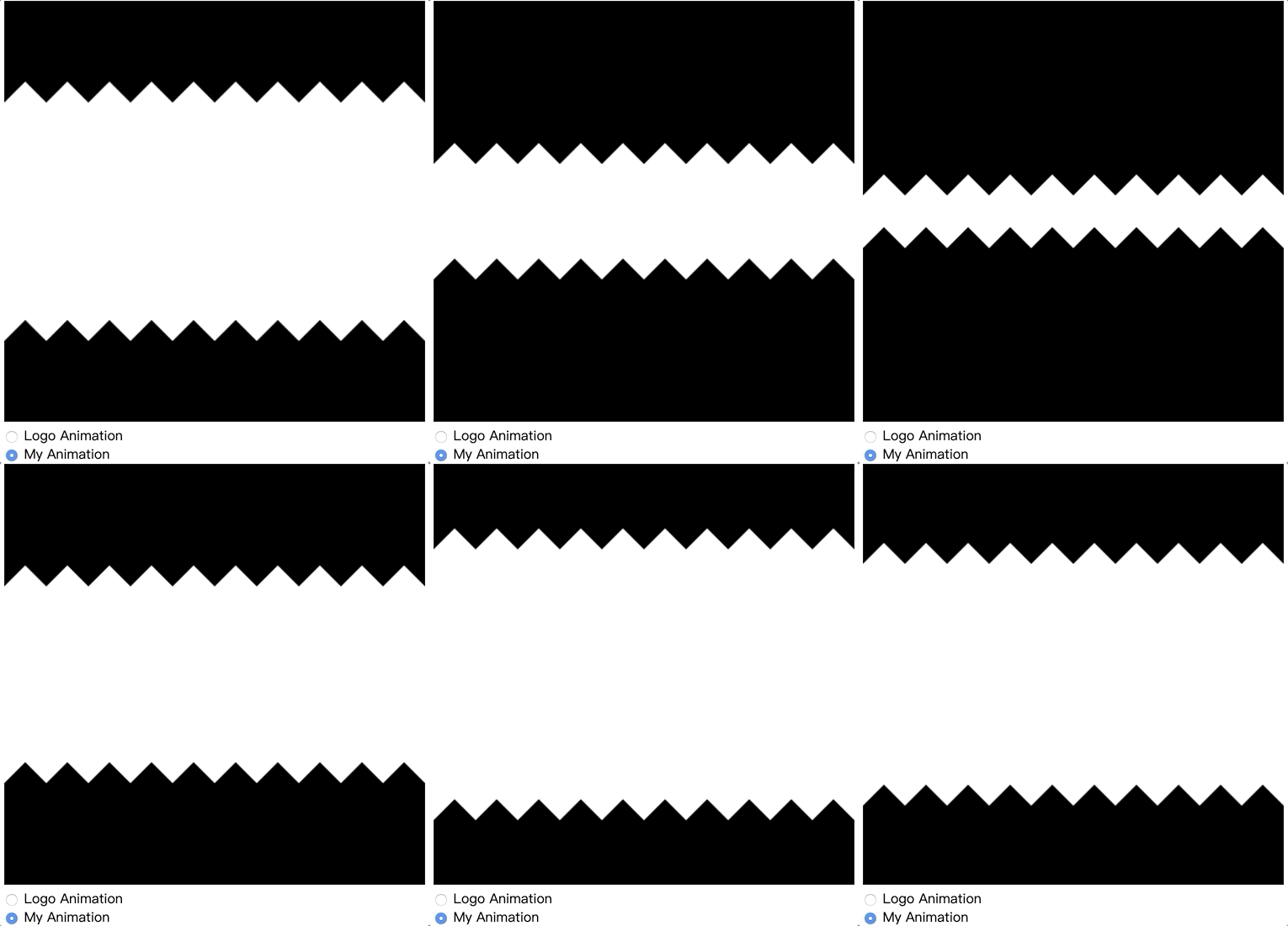
- It could be a stick figure jumping or walking It doesn’t have to be complex, but it should be your own. Do something creative. You should use an HTML radio button on the webpage to switch between the logo animation and your animation.
Submission Instructions
You will need to submit the following files in a zip archive via Compass:
- mpN.html
- mpN.js
In the file name, replace N with the number of the MP (e.g. MP1.html). You should also include any additional files you use or have written. In particular you can use gl-matrix and the WebGL utilities used in the examples in class:
Utility code: webgl-utils.js glMatrix library: gl-matrix-min.js
Name your submission as NETID_MPN.zip and submit it to Compass, where NETID is your netid and N is the MP number. This MP (as are the other MP’s) is more than just an assignment for a grade to verify graphics programming proficiency. It is also an opportunity to impress me, your friends/family and your future employer or graduate school.